
If you manage e-commerce for a CPG brand, you probably know this moment: a retailer asks for "the latest images", and the hunt begins. One folder holds last year's packshots, another the new label, a third the files an agency exported for Amazon. Somebody renames them, somebody else resizes them, and three weeks later a shopper still sees the old pack on a grocery site.
The problem is rarely a lack of images. It is a lack of one consistent, standards-based master set that every channel can draw from. That is exactly what GS1 product image standards are designed to solve.
What GS1 image standards actually are
GS1 is the global organisation behind the barcode and the GTIN – the number that identifies every product you sell. Alongside product data, GS1 publishes guidance on how product images should be created and shared, so that brands, retailers and marketplaces speak the same visual language.
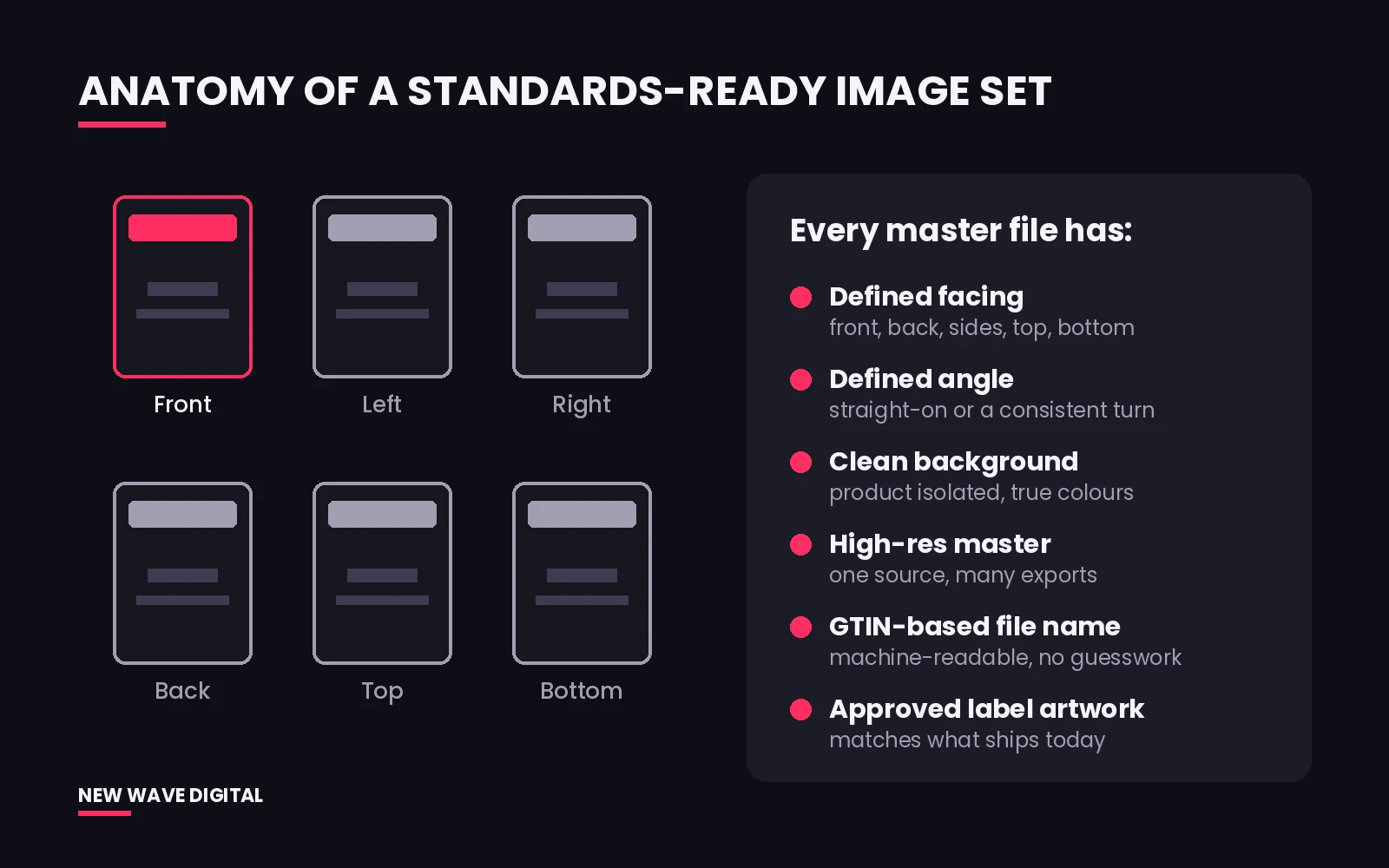
In practice, a standards-ready image set defines a few simple things for every product:
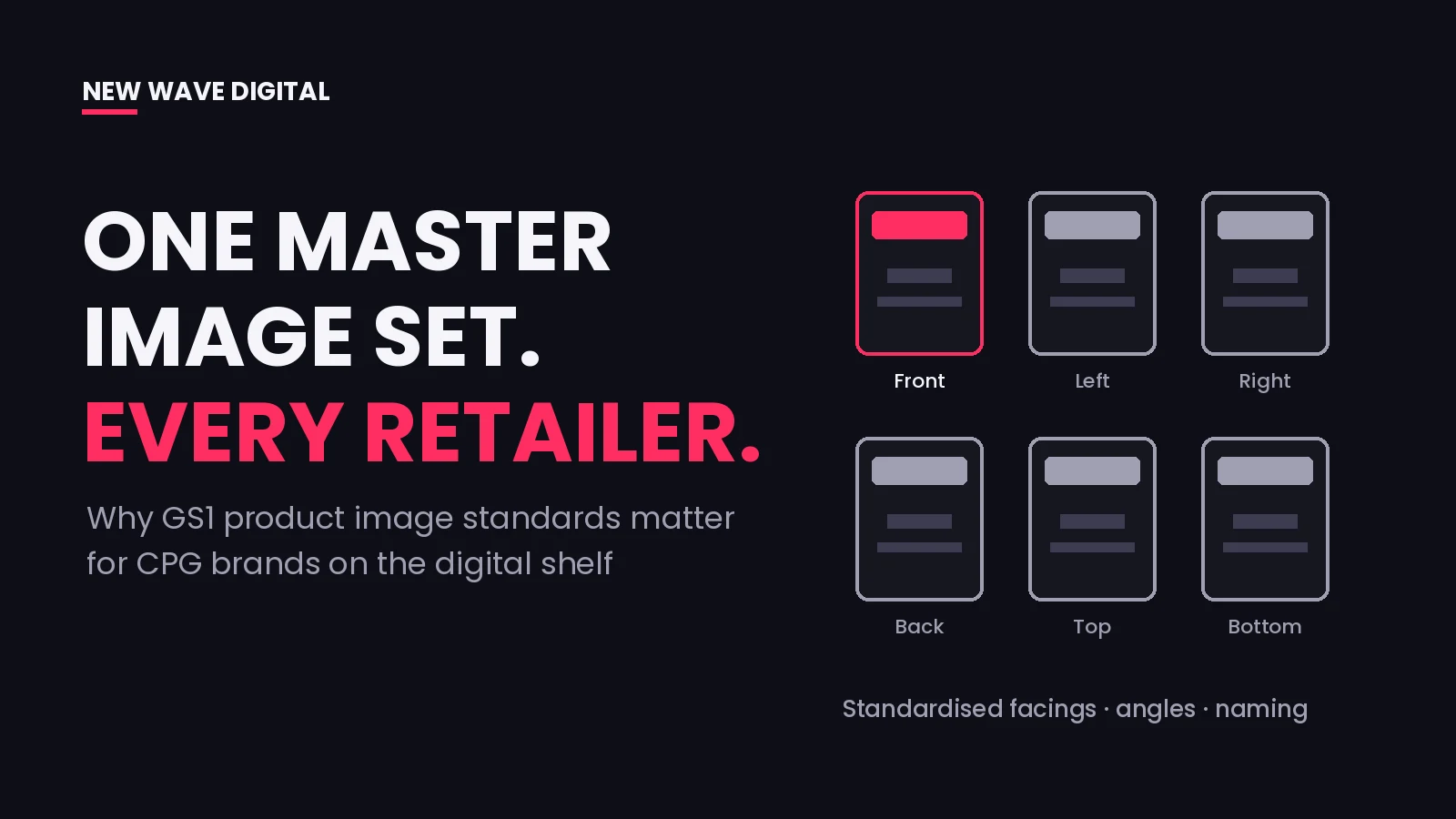
Facings – which side of the pack is shown: front, back, left, right, top and bottom.
Angles – a straight-on view or a consistent turn, so every SKU in a range is shot the same way.
Background and colour – the product cleanly isolated, with true-to-pack colours.
Resolution – one high-resolution master from which every retailer-specific size is exported.
File naming – names built around the GTIN, so systems (and people) know exactly which product and view a file shows.
Why it matters on the digital shelf
1. Every retailer gets the same, correct product
Shoppers compare. If your pack looks one way on Amazon, another way in a supermarket app and a third way on your own store, trust drops – and so does the chance they choose you. A single master set means the product looks the same wherever it is sold, down to the current label artwork.
2. Faster listings and fewer rejections
Retailers and data pools increasingly expect structured, predictable assets. When facings, angles and file names follow a standard, onboarding a new SKU or a new retailer becomes a delivery task instead of a mini-project. Your team stops reformatting the same image for the fifth time.
3. Better raw material for everything else
Mobile-ready hero images, secondary images, A+ content, brand stores and AI product videos all start from your packshots. If the master files are clean, high-resolution and correctly labelled, every downstream asset is faster to produce and more accurate.
4. Machines can read your images, too
Search, recommendation engines and AI shopping assistants rely on structured product information. Images that are consistently named and linked to the right GTIN are far easier for these systems to match to the right product.
Where brands usually go wrong
Treating images as one-off campaign files. Packshots get made for a launch and never updated when the label changes.
Different agencies, different rules. Each supplier delivers its own angles, crops and naming, so the catalogue slowly loses consistency.
No single source of truth. Files live in inboxes and shared folders instead of a DAM or PIM with clear versions.
Nobody checks what is live. The right image exists, but the retailer is still showing the old one.
Create once, distribute everywhere, keep it right
The most reliable approach we see is a simple loop with three steps.
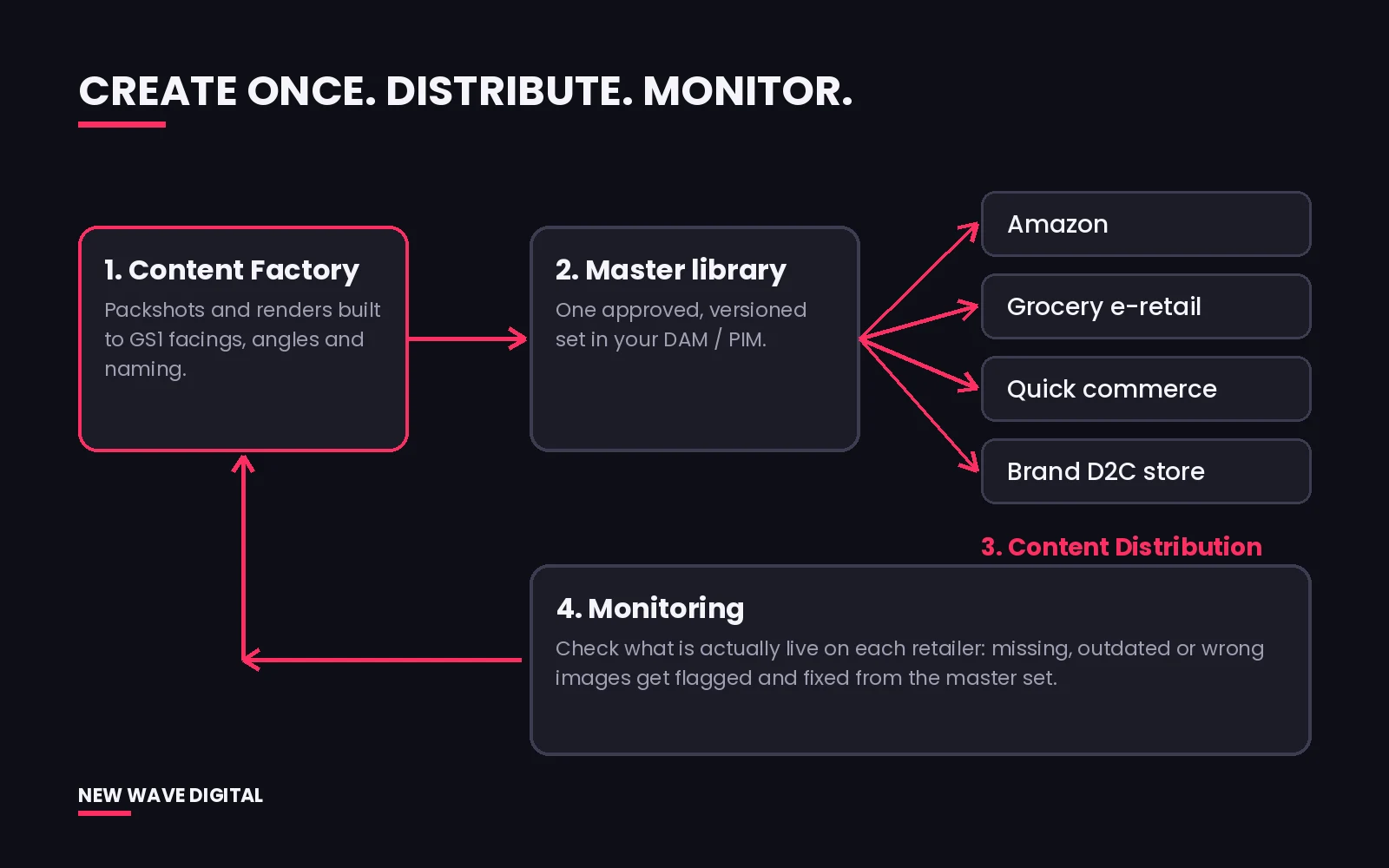
Step 1: Create a standards-based master set
Every SKU gets its full set of facings, built to the same specification – whether the source is a studio packshot or a 3D render. This is where consistency is won or lost, so it pays to define the rules once and apply them to the whole range.
Step 2: Distribute from one place
The approved master set lives in one library – your DAM, PIM or a structured folder system – and every retailer-specific export is generated from it: Amazon, grocery e-retailers, quick commerce apps and your own D2C store. When the label changes, you update the master and roll it out everywhere.
Step 3: Monitor what shoppers actually see
Uploading is not the finish line. Retailers overwrite, crop or keep outdated files. Regular monitoring of your live listings shows where an image is missing, wrong or out of date, so it can be fixed from the master set before it costs you sales.
A quick checklist for your next image refresh
Do all your SKUs have the same set of facings, shot or rendered the same way?
Does every file name include the GTIN and the view it shows?
Is there one master library that everyone exports from?
Do your live listings show the current pack design on every retailer?
When a label changes, do you know exactly which images – and which retailers – need updating?
If you answered "no" or "not sure" to more than one, your catalogue is probably working harder than it needs to.
How New Wave Digital helps
For 10 years, New Wave Digital has produced e-commerce visuals for CPG brands such as Hero Group, NIVEA/Beiersdorf, Hippeas, Tempo and Zewa – working to GS1 standards. Our Content Factory builds standards-ready packshots, renders, A+ content, brand stores and AI product videos; Content Distribution gets the right files to every retailer; and Monitoring checks that what shoppers see is what you approved.
Planning a range refresh or a new retailer launch? Book a call and we will help you build one master set that works everywhere.
EXPLORE OUR PROJECTS